| Highlights of the
SDS module Steps for the creation of an SDS for a preparation with ChemGes Steps for the creation of an Exposure Scenario GHS & ChemGes - Overview and quick guide |
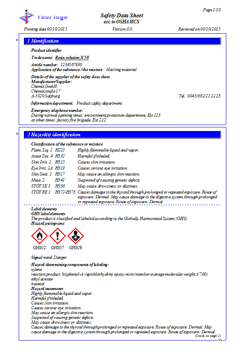
 | Safety Data Sheets for the USA and Canada according to requirements of OSHA HCS and HPR | ||||
| Creation according to the REACH Regulation, in the latest valid version 830/2015/EU, including Exposure scenarios, if required | ||||
| Creation according to the UNECE GHS regulations in compliance with the respective country SDS regulation | ||||
| Standard phrases available in 36 languages:
|
| Consideration of the country specific legal limit values as well as classifications by country specific creation |
|
 |
| SDSs can be retrieved over the related customers as well as inversely over search routines |
| Automatic resending of altered SDSs to all clients |
| Additional cover letter function in the customer’s language |
| ASCII/ANSI-output for SDSs in various formats enables the data transfer among other computer systems or different software |
| Output in HTML-format |
| Output as PDF-files |
| Special program for the transfer of Safety Data Sheets as file in ‘catalogue’-form, including several search routines for the data recipient |

Steps for the creation of an SDS for a preparation with ChemGes
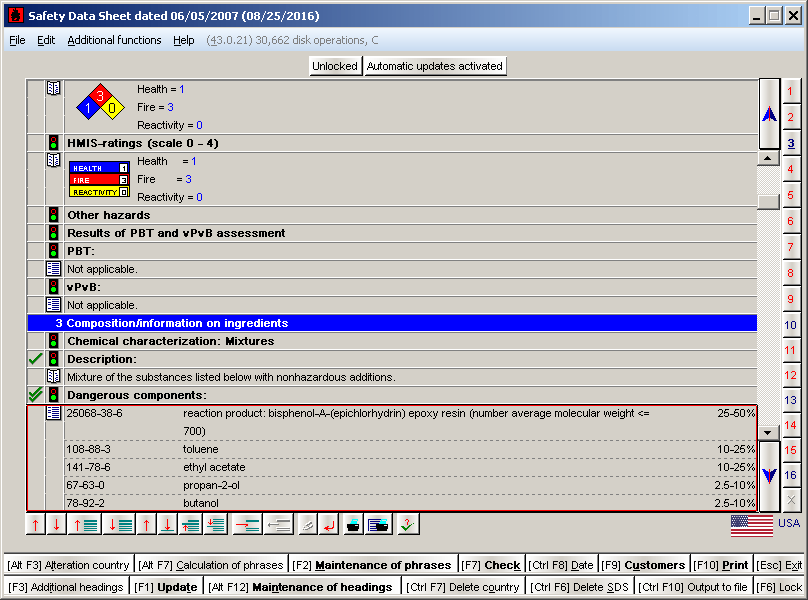
Provided that the program has all ingredients in its database, and that the system is set up in the right way, the creation of an SDS takes only a few minutes. Of course one should review the SDS, but a user can enter own rules for the selection of the phrases. So it should not be necessary very often to make manual alterations.